Video tutorial
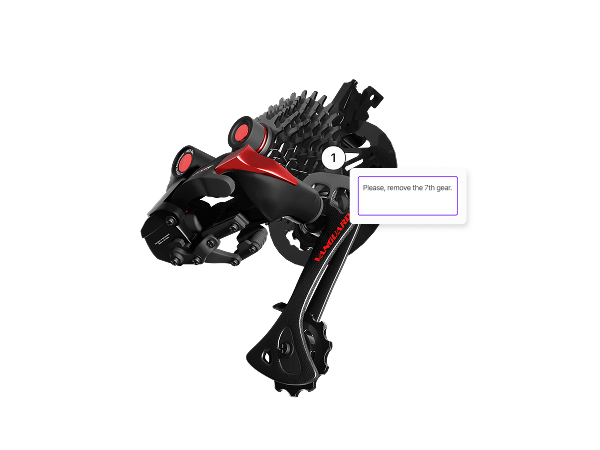
Comment in 3D
Add comments directly in your 3D scene to streamline feedback and teamwork. Perfect for design reviews, edits, and real-time collaboration.
Documentation

Roles
Manage access to the workspace and to the projects.
Video tutorial
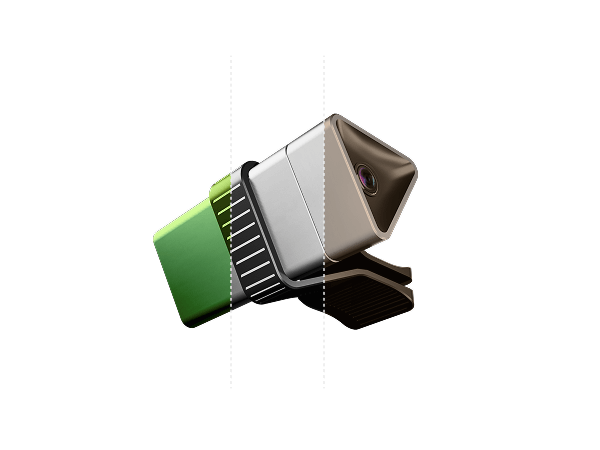
Design variants
Easily present multiple design options in a single scene. Switch between variants to streamline feedback, comparisons, and creative decisions.
Live Project
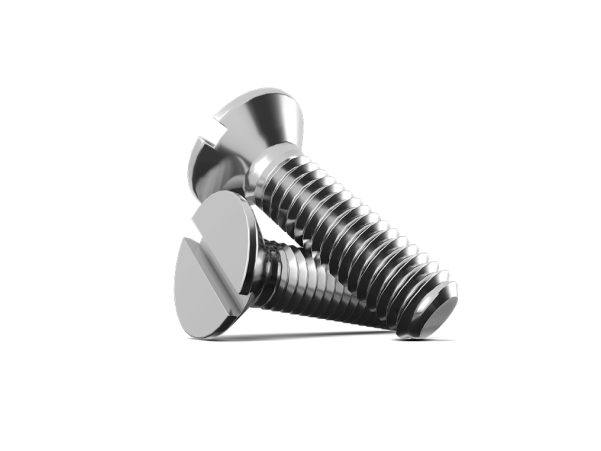
Reflections effect
Project showcasing reflections where you enhance realism by simulating light bouncing off surfaces.
Video tutorial
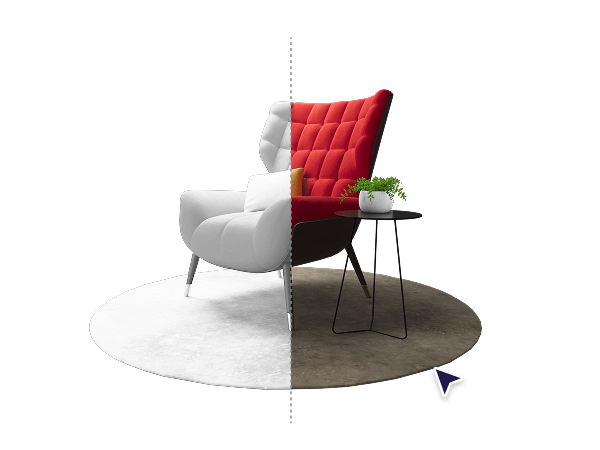
Baking and lighting effects
Learn how to bake lighting and ambient occlusion to boost visual quality. Achieve richer shadows, depth, and realism in your 3D scenes.
Integration
Discover Figma Frames
Discover a faster way to create custom materials. Just paste the Figma frame link into the material settings in Vectary and it is ready to be applied.
Video tutorial

Presets & HDRI Environments
Speed up your workflow with ready-made lighting setups and HDRI backgrounds. Enhance realism, mood, and presentation, right from the start.
Integration
Embed to Notion
Time to forget static images, interactive designs can communicate concepts more effectively and quickly.
Documentation
Lighting and enviroments
Local lights can enhance realism and atmosphere, but they can also significantly impact performance, especially when shadows are enabled.
Video tutorial
Figma plugin
Use the Vectary plugin to preview, style, and render 3D models inside Figma. Perfect for branding, UI, and creative teams.
Integration
Embed to Lucid
An interactive 3D viewer can convey more information than a static image or long written explanations.
Video tutorial
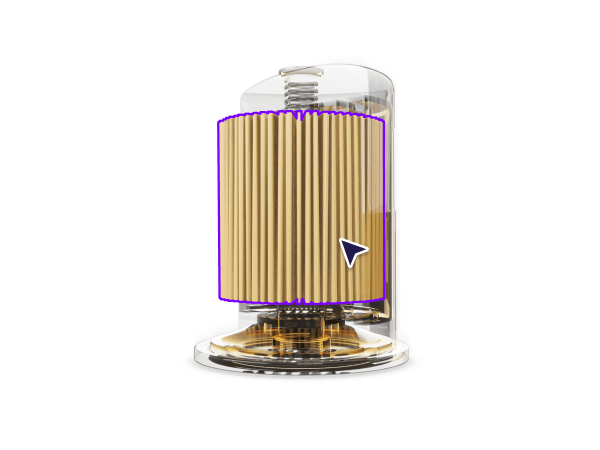
While Hovering Trigger
Isolate and highlight parts on hover without losing context. Enhance scenes with floating UIs for deeper interaction.
Documentation
CAD files
Turn your CAD models into interactive experiences.
Video tutorial
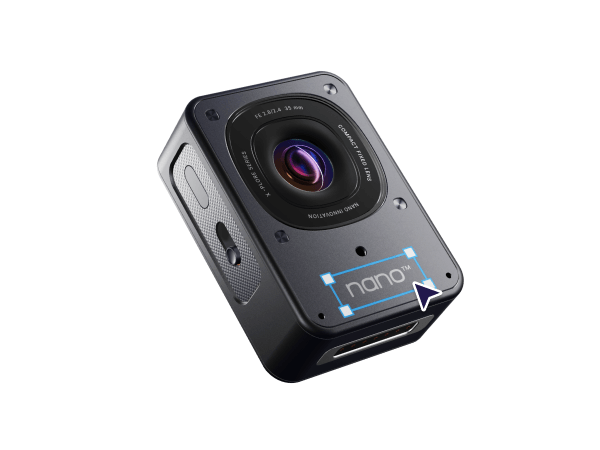
Add stickers from Figma
Import label designs from Figma, position them in 3D, and view your fully textured product in AR.
Live Project
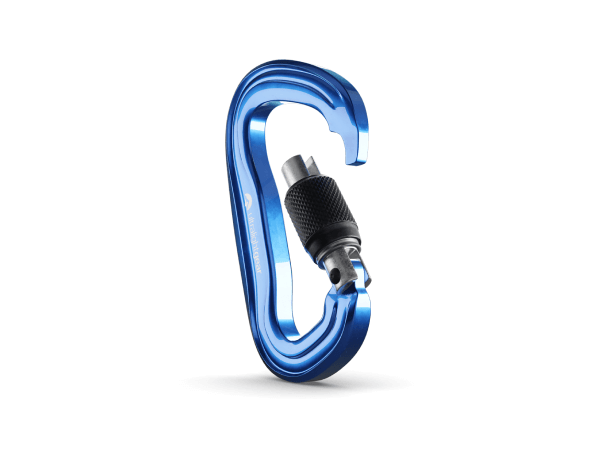
Animated parts
Project explaining animation workflow where you create and refine animations by duplicating, reversing keyframes, and assigning interactions.
Video tutorial
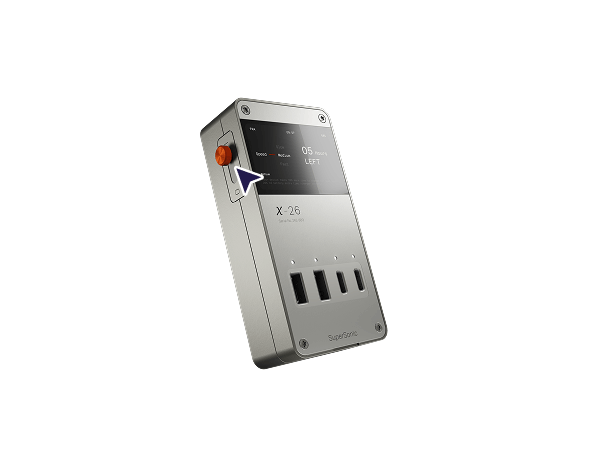
Create On/Off Interactions
Learn how to build an interactive on/off toggle with one animated button. Combine movement and state changes for smooth, functional UX.
Integration
Embed to Slack
One link sharing is quick and easy letting you update on the project progress at any stage of the development.
Video tutorial
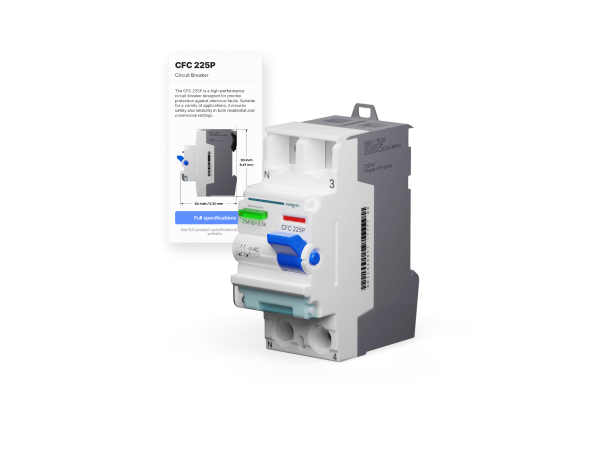
Create a floating UI
Design custom Floating UIs from scratch. Add text, images, and buttons for a complete information source.
Documentation

Library
Libraries provide quick access to pre-configured assets and custom resources for more efficient project creation.
Video tutorial
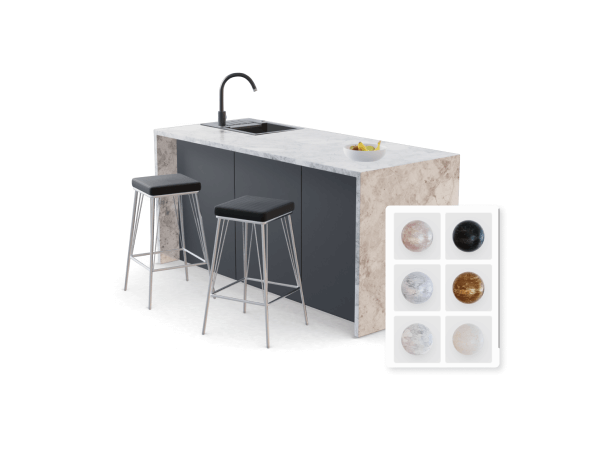
Materials library
Create, save, and reuse custom materials across projects. Organize textures for faster workflows and consistent, high-quality results.
Integration

Embed to Miro
Time to forget static images, interactive designs can communicate concepts more effectively and quickly.
Video tutorial
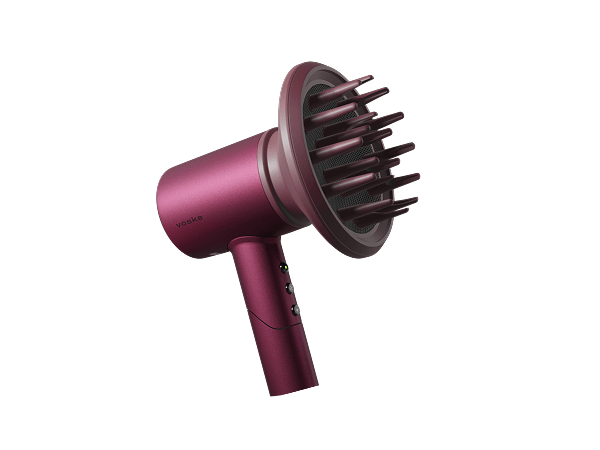
Setting up transformations
Use transformations for smooth, modular interactions. Move, rotate, and attach objects dynamically across multiple states.
Documentation
Materials and textures
Materials can impact both project size and rendering performance, especially when using advanced visual effects.
Video tutorial
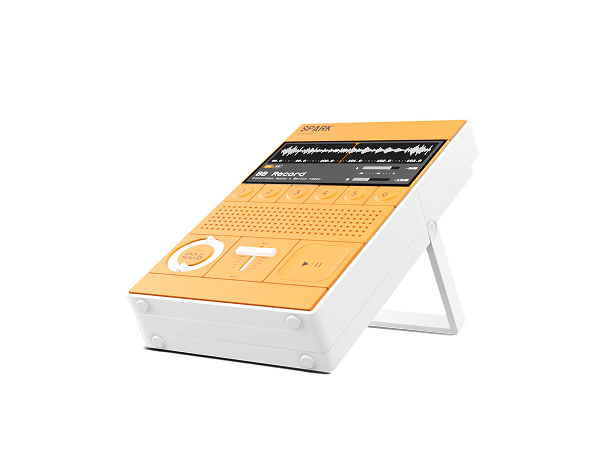
Figma to Vectary Workflow
Link Figma frames as textures to your 3D models. Refresh updates instantly for faster iterations and creative control.
Integration

Embed to Square Space
Use API to connect 3D projects to databases, Excel sheets, website interfaces to open up customization possibilities.
Video tutorial
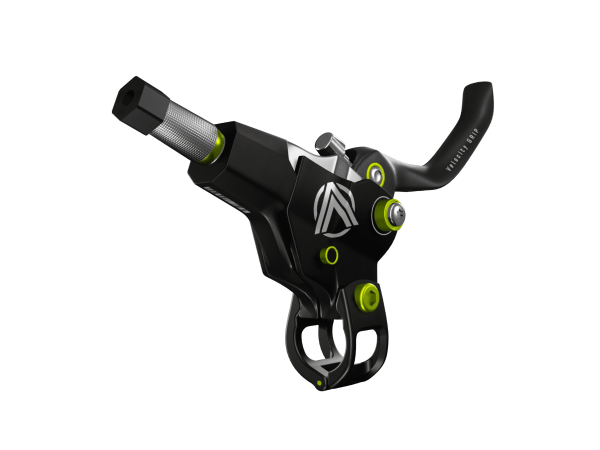
Interactive Image Downloads
Let users download renders from your shared viewer with one click. Add custom buttons and export stunning 2D visuals.
Live Project
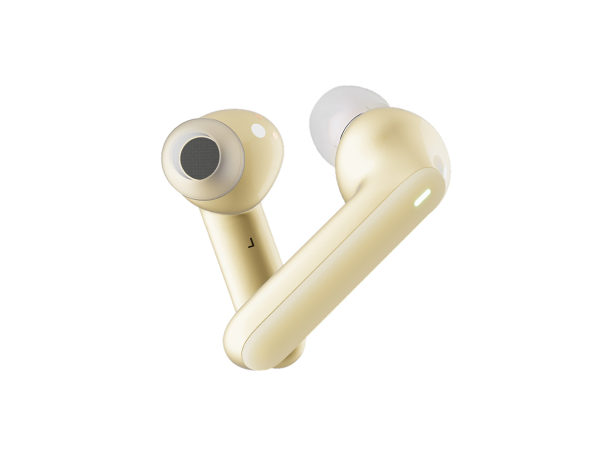
Material picker
Project demonstrating material transfer where you apply materials between objects instantly using the material picker tool.
Video tutorial
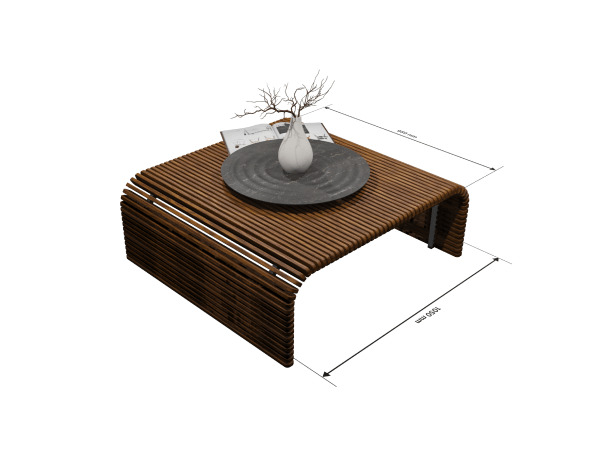
Add dimensions graphic
Use custom 2D graphics to display object measurements. Add interactivity with hotspots and toggle visibility on click.
Integration

Embed to Shopify
Connect 3D projects to databases, excel sheets, website interfaces and more options to open up customization possibilities.
Video tutorial
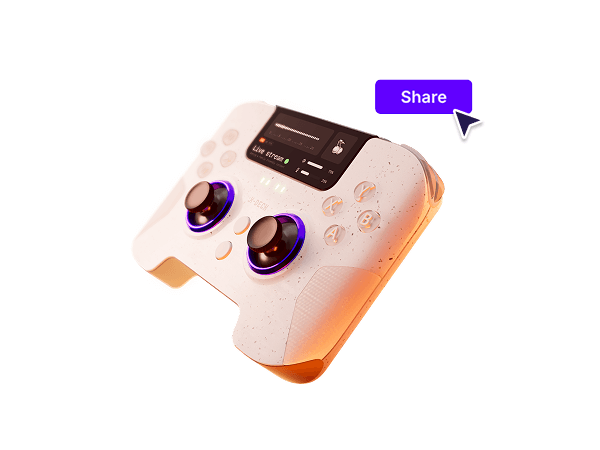
Project sharing
Preview, share, and update your projects with one link. Enable cloning, embed in tools, and keep your team in sync.
Integration
Embed to Wix
Final interactive product configurators can be used for consumer facing web pages, sales toolkits, or team onboarding.
Video tutorial
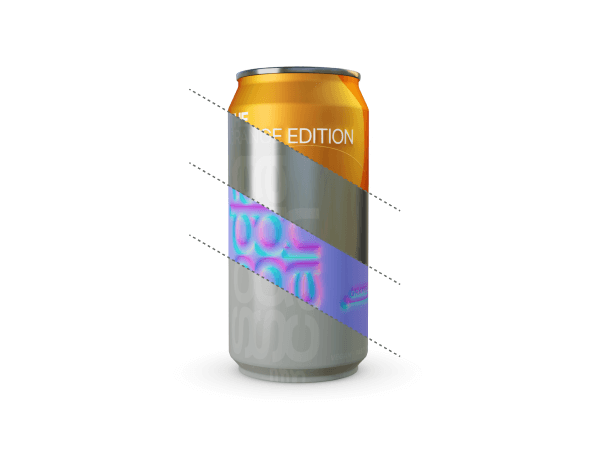
Texture with Figma Frames
Apply color, roughness, and normal maps from Figma frames. Quickly update textures and fine-tune materials with full control.
Integration
Embed to Canva
Adding a 3D embed to your presentation will not only elevate any ideas, it will grab and keep the attention of the viewers.
Video tutorial
Create a responsive UI
Make your 3D projects mobile device-ready. Use breakpoints to show the right UI and interactions, no matter the screen size.
Live Project
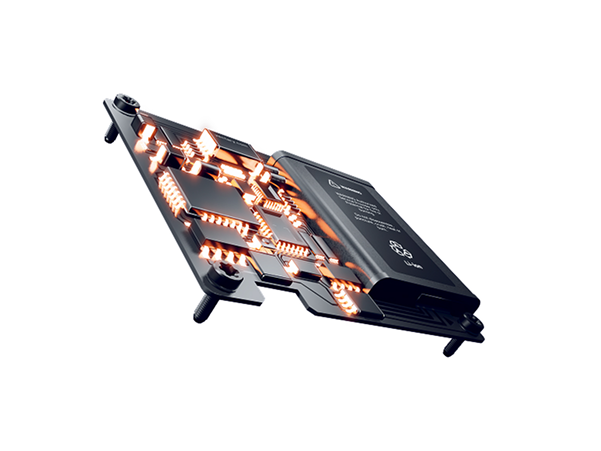
Bloom effect
Project showcasing the Bloom effect where you add a glowing effect to emissive materials by fine-tuning intensity, size, and threshold.
Integration

Embed to Pitch
Adding a 3D embed to your presentation will not only elevate any ideas, it will grab andkeep the attention of the viewers.
Live Project
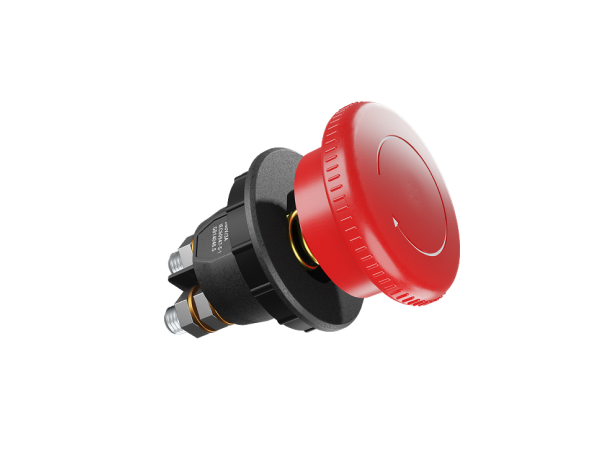
Adjustments effect
Learn how to improve scene visuals by using Adjustments and tone-mapping to balance brightness, contrast, and saturation for a polished look.
Documentation
Interactions
Bring interactivity to projects without writing a single line of code.
Video tutorial
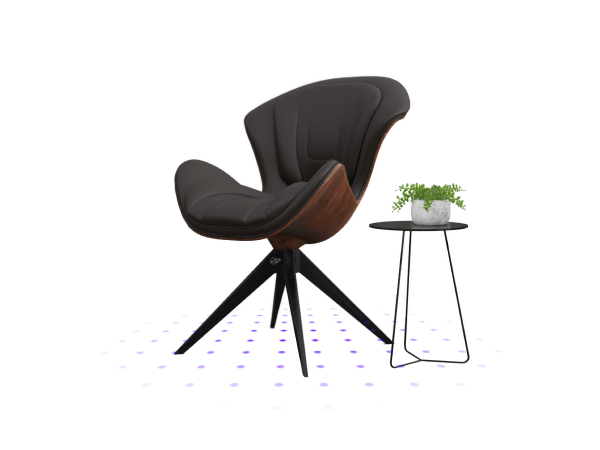
Create an immersive AR experience
Preview your design in the real world. Customize object visibility, scale, and materials before sharing in AR.